

April 16, 2026 Posted By iGadgets Buy Home >> Blogs >> How to Check If a Phone Is Fully Reset Share With Others: When preparing to sell, trade, or give away a device, knowing how to check…
Skip to content Home About Us Blogs Sell in Bulk Contact X $ 0.00 0 Cart Home About Us Blogs Sell in Bulk Contact Home About Us Blogs Sell in Bulk Contact X Sell Now 0 My Cart No Products in Cart View Cart Checkout $ 0.00 0 Cart How to Check If a Phone Is Fully Reset April 16, 2026 Posted By iGadgets Buy Home >> Blogs >> How to Check If a Phone Is Fully Reset Share With Others: When preparing to sell, trade, or give away a device, knowing how to check if a phone is fully reset is not just a technical step, it’s a critical security measure. Many people assume a quick factory reset is enough, but incomplete resets, leftover accounts, or hidden data partitions can still expose personal information. We often see users who think their device is clean, but in reality, traces of their digital life remain behind.
This guide walks through clear, practical methods to verify a complete phone reset , helping you avoid privacy risks and ensuring your device is truly ready for its next owner. Why Verifying a Full Reset Matters Before Selling a Phone A factory reset should remove personal data, accounts, and settings, but not every reset process works perfectly. In many cases, users forget to log out of accounts, disable security locks, or verify post-reset status.
This can result in serious issues, including: Account lock problems that prevent the new user from accessing the phone Residual personal data such as photos, messages, or app data Security risks if sensitive information is still recoverable Lower resale value due to improper preparation We’ve seen situations where a phone looked reset but still had synced cloud data appearing after login, which clearly means the reset wasnt fully completed. What a Fully Reset Phone Should Look Like Before diving into checks, it’s important to understand what defines a completely reset phone . A properly reset device should behave exactly like a brand-new phone straight out of the box.
Key Signs of a Fully Reset Phone The phone boots to the initial setup screen No previous user accounts are logged in No apps (except default system apps) are installed No photos, contacts, or messages exist No passcode, fingerprint, or face unlock is set If any of these elements are still present, the reset process is incomplete, even if it seems minor. Step-by-Step: How to Check If a Phone Is Fully Reset 1. Power On and Observe the Welcome Screen The first and most obvious check is the startup screen.
A fully reset phone should display a welcome or setup screen asking you to select language, region, and connect to Wi-Fi. If the device opens directly to a home screen, it clearly means the reset wasnt done correctly, or someone set it up again after resetting. 2.
Attempt Initial Setup Without Logging In Go through the setup process without entering any accounts. This helps verify whether the phone forces you to sign in with a previous account. If prompted for an old account, the phone still has activation lock enabled If you can proceed freely, the reset is more likely complete This step is especially important for both Android and iPhone devices, where account locks are tied to security systems.
3. Check for Linked Accounts After setup, navigate to the account settings section: On Android: Settings → Accounts On iPhone: Settings → Apple ID section If you see any previously linked accounts, then the reset process didnt remove everything. This happens sometimes when users skip logging out before resetting.
4. Inspect Storage for Residual Data Open the storage or file manager and check for: Photos and videos Downloads Documents or cached files A properly reset phone should have almost no personal files. If you find content, even small leftovers, the reset wasnt fully clean.
5. Verify Installed Applications Check the app drawer or home screen carefully. Only default system apps should be present.
If third-party apps like social media, banking apps, or games are still installed, the device clearly wasnt wiped completely, or the reset failed midway. 6. Test Security Settings Go to security settings and confirm: No screen lock is enabled No fingerprints or face data are stored No PIN or password is required Sometimes, users forget to remove these before resetting, which can create issues later.
Common Mistakes That Prevent a Full Reset Even when users perform a factory reset, certain mistakes can leave traces behind. We often notice these issues in second-hand devices: Not Signing Out of Accounts Failing to log out of Google or Apple accounts before resetting can trigger activation locks. This makes the phone unusable for the next owner.
Skipping Encryption Reset Some devices store encrypted data that isnt fully cleared unless encryption keys are refreshed. This step is often ignored, but it matters more than people think. Incomplete Reset Process Interrupting the reset process due to low battery or impatience can result in partial data removal.
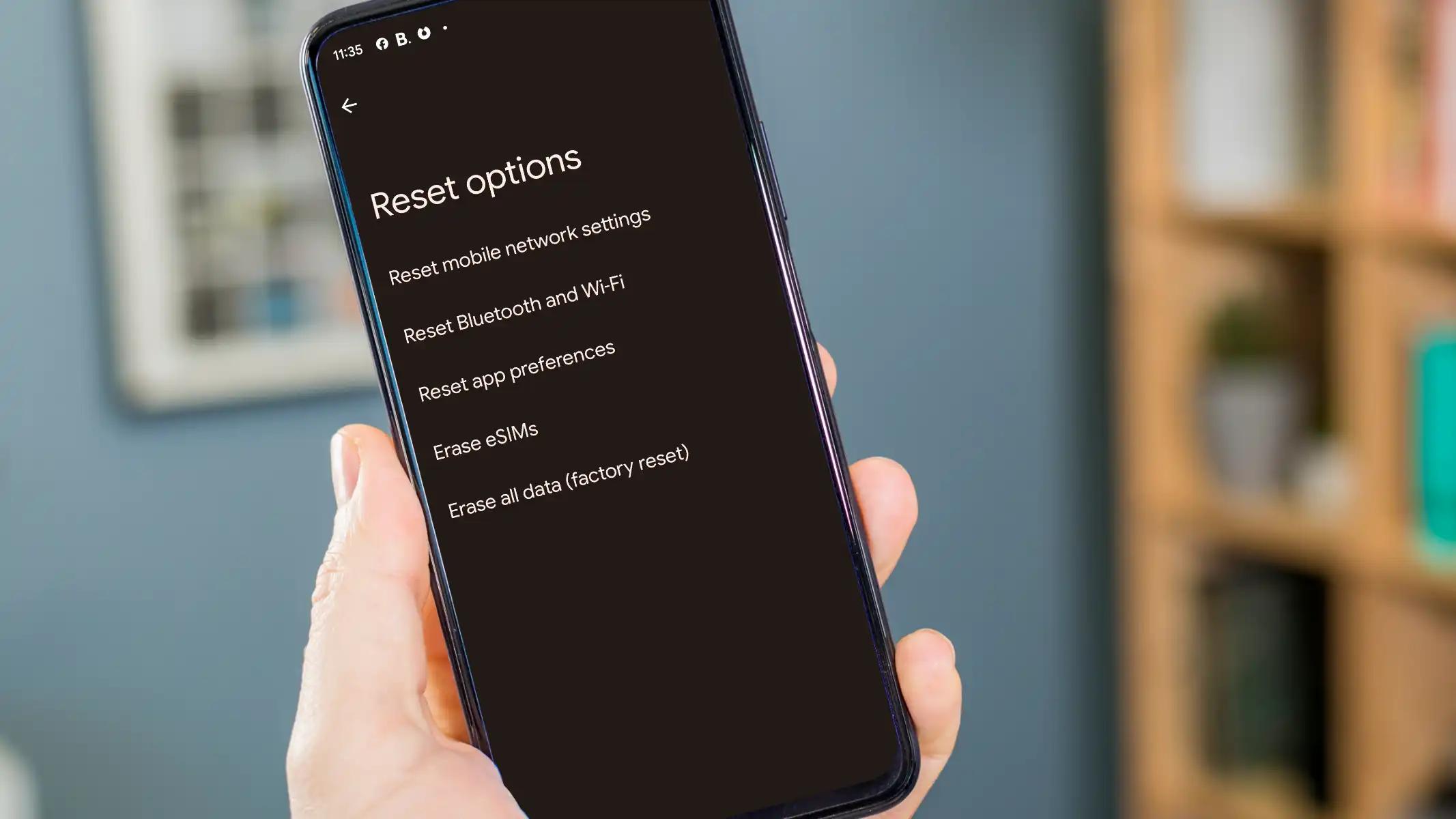
The phone might appear reset, but hidden data remains. Using Incorrect Reset Method There are multiple reset options on some devices, like: Reset settings only Reset network settings Factory data reset Choosing the wrong option is a common reason why phones arent fully wiped. How to Ensure a Phone Is Fully Reset Before Selling If we want complete peace of mind, it’s better to go beyond just checking.
Taking additional steps ensures the device is truly clean and ready. Perform a Second Factory Reset After verifying the first reset, performing another factory reset adds an extra layer of assurance. This is especially useful when dealing with sensitive data.
Overwrite Data (Advanced Users) Some users prefer to overwrite storage by filling it with dummy data before resetting again. This reduces chances of data recovery, though its not always necessary for regular users. Remove SIM and SD Cards It sounds obvious, but many forget this step.
SIM and SD cards often contain personal data that isnt affected by a factory reset. Update Software Before Reset Updating the phone before resetting ensures the latest security patches are applied, reducing chances of bugs during reset process. How Buyers Can Check If a Phone Was Properly Reset If you’re buying a used phone, verifying the reset is just as important.
We always recommend buyers to perform these checks before completing a purchase: Turn on the device and confirm setup screen appears Ensure no accounts are linked Check IMEI status if needed Test basic functionality during setup Many buyers skip these steps and regret later when the phone gets locked or shows previous data. Signs a Phone Is NOT Fully Reset Sometimes the signs are subtle, but they matter alot. Watch for these red flags: Phone opens directly to home screen Old notifications appear Apps are already installed Account login is required during setup Storage shows existing files Even one of these signs indicates the reset wasnt done properly, and further action is required.
Final Thoughts on Checking a Fully Reset Phone Knowing how to check if a phone is fully reset protects both sellers and buyers from unnecessary risks. A proper reset isnt just about pressing a button, it’s about verifying every detail to ensure no personal data remains. We always recommend taking a few extra minutes to double-check everything.
It might feel unnecessary at first, but skipping this step can lead to privacy issues, account lock problems, or reduced resale value. A fully reset phone should feel like a fresh start, not a device carrying someone else’s digital footprint. In the end, careful verification ensures the phone is truly ready, safe, and valuable for its next user, even if many people overlook this small but critical process.
Want To Sell Your Device For Cash? Instant cash quotes, free U.S. shipping, and fast payouts. sell your phone, tablet, or laptop in minutes. Get in Touch iGadgetsBuy makes it simple to sell your used devices in the USA.
Trade in your iPhone, iPad, MacBook or smartwatch, and get paid quickly. Free shipping and no hidden fees. Company FAQs Sell Any Gadget About Us Terms & Conditions Privacy Policy Contact Us [email protected] +1 916-224-5715 9245 Laguna Springs Dr Suite 200, Elk Grove, CA 95758, USA Follow Us Facebook Instagram Linkedin Pinterest iGadgets Buy | © 2026 | All Rights Reserved
Ready to see what yours is worth?Get a free, no-obligation quote.